
Download Samsung USB Driver – Free, Secure, Fast USB Connectivity for Windows
The Samsung USB Driver for Mobile Phones is a lightweight, reliable software tool designed to establish seamless communication between your Samsung Galaxy smartphone or tablet and your Windows PC. Whether you're transferring photos, syncing contacts, or backing up important data, this driver ensures your device is recognized instantly. Unlike bulky software suites like Samsung Kies, the USB Driver operates independently, offering a streamlined experience without unnecessary bloat.
With support for a wide range of Samsung devices including Galaxy S series, Galaxy A, and Galaxy Z foldables, this tool is essential for every Samsung user. The driver is free to download, secure, and regularly updated by Samsung to maintain compatibility with new operating systems and devices. It’s the perfect solution for anyone seeking a hassle-free way to manage their Samsung device directly from their computer.
Key Features of Samsung USB Driver for Mobile
One of the standout reasons why the Samsung USB Driver is a top choice among users is its robust feature set tailored specifically for Samsung device owners. First and foremost, it enables instant device recognition when connecting your Galaxy phone or tablet via USB. This means no more “USB not recognized” errors or lengthy troubleshooting sessions. The driver supports a wide range of Samsung devices, including the Galaxy S21, S22, S23, S24, Galaxy A series, and even older models like the Galaxy S3 and S4, ensuring long-term usability across generations of hardware.
Another major advantage is its lightweight design. Unlike full-featured software like Samsung Kies or Smart Switch, which come with multiple tools and background processes, the USB Driver focuses solely on connectivity. This results in faster performance, minimal system resource usage, and a cleaner user experience. It’s ideal for users who want to transfer files, back up data, or update firmware without installing unnecessary applications.
The driver also supports ADB (Android Debug Bridge) functionality, making it a must-have for developers and advanced users who need to debug apps or flash custom ROMs using tools like Odin. This built-in support eliminates the need for separate ADB driver installations, streamlining the development workflow. Additionally, Samsung regularly updates the driver to ensure compatibility with the latest Windows versions, including Windows 10 and Windows 11, guaranteeing long-term reliability.
Security is also a priority. The driver is digitally signed by Samsung and distributed through official channels, reducing the risk of malware or corrupted files. With no ads, no tracking, and no bundled software, users can trust it as a safe, secure, and free tool for everyday use.
How to Install and Use Samsung USB Driver on Windows
Installing the Samsung USB Driver is a straightforward process that can be completed in under five minutes. Begin by visiting the official Samsung Developer website or the Samsung Support portal to download the latest version of the driver. Make sure to select the correct version based on your Windows architecture—32-bit or 64-bit. The file is typically a compressed .zip package, so extract it to a folder on your desktop or Downloads directory.
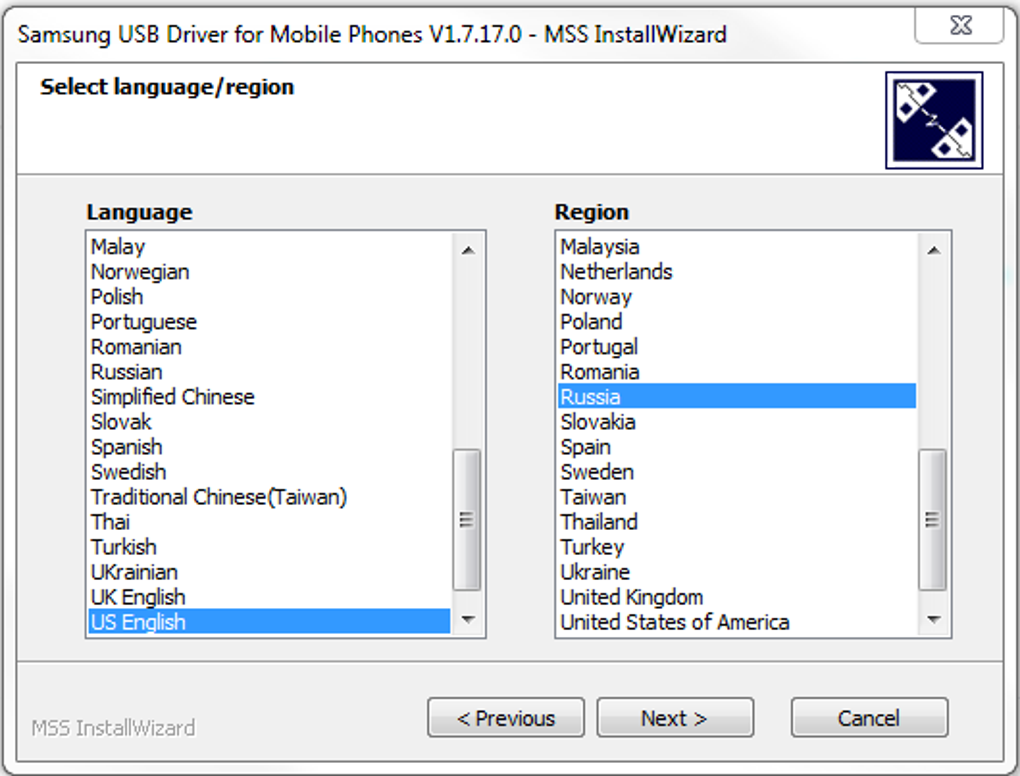
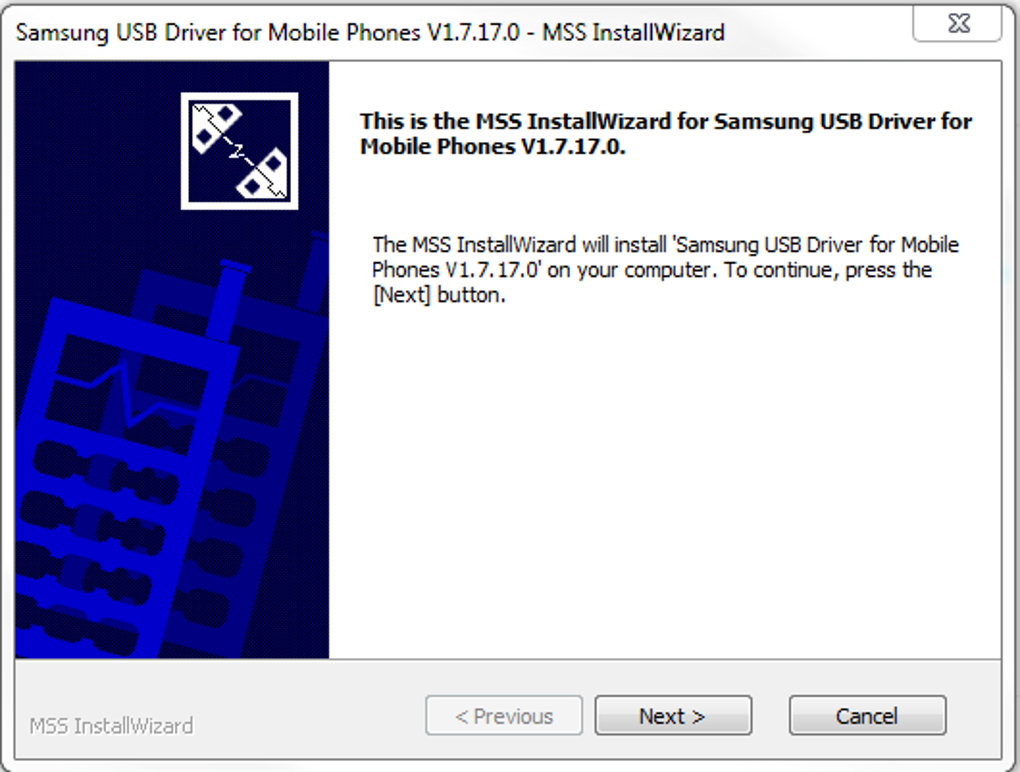
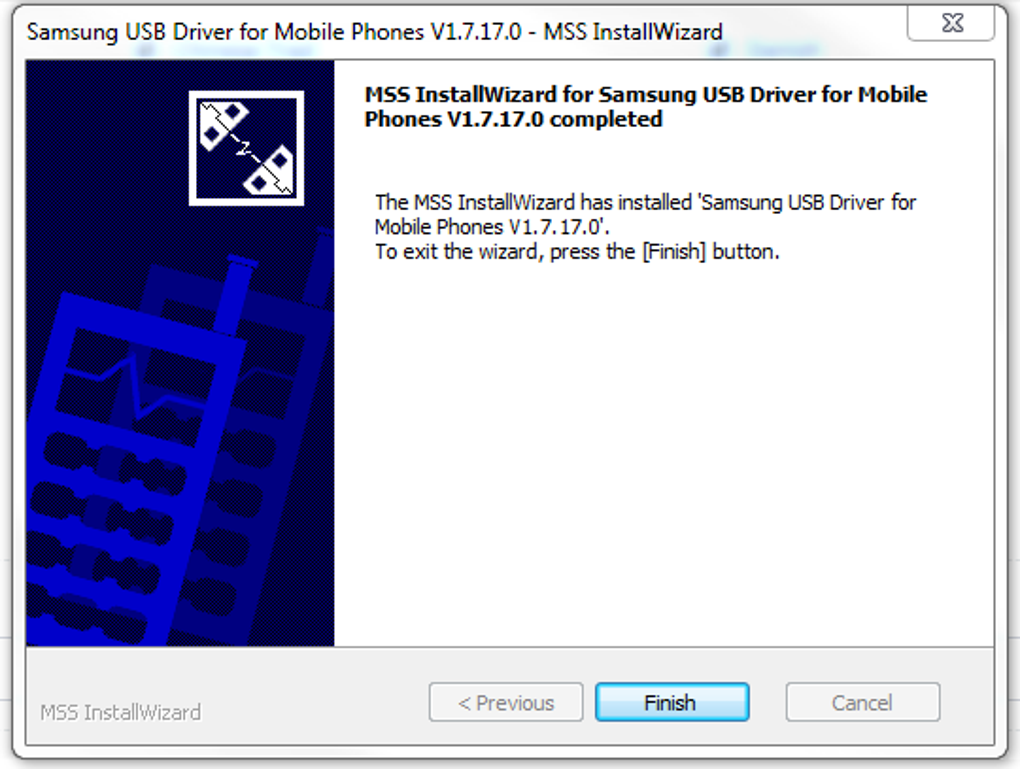
Once extracted, locate the setup.exe file and run it as an administrator. This ensures the driver is installed with the necessary permissions. During installation, you’ll be prompted to choose your preferred language and region. The setup wizard will guide you through the process, automatically detecting your system and preparing the driver for use.
After installation, connect your Samsung Galaxy device to your PC using a genuine USB cable. Your computer should now detect the device and install the necessary drivers automatically. If it doesn’t, open the Device Manager (press Win + X and select it), expand the “Portable Devices” or “Other Devices” section, and look for your Samsung device. Right-click on it, select “Update driver,” and choose “Browse my computer for drivers.” Navigate to the folder where you extracted the driver files and let Windows install it manually.
Once properly recognized, you can access your device as a portable drive. Open File Explorer, and your phone or tablet will appear under “This PC” or “Devices and drives.” From there, you can drag and drop files, copy photos, transfer documents, or back up your data with ease. For developers, the driver enables seamless ADB access, allowing for advanced operations like app debugging and system modifications.
Compatibility and System Requirements
The Samsung USB Driver for Mobile is specifically designed for Windows operating systems and is fully compatible with Windows 7, Windows 8, Windows 8.1, Windows 10, and Windows 11 (both 32-bit and 64-bit versions). It does not support macOS or Linux, so Mac users should consider alternative solutions such as Samsung’s Smart Switch for Mac or third-party ADB-based tools.
For optimal performance, ensure your computer has a USB 2.0 or higher port and a stable internet connection during driver updates. The driver itself requires minimal disk space—typically less than 100 MB—making it suitable for older or low-spec machines. It also works seamlessly with a wide range of Samsung devices, including smartphones, tablets, and even some smartwatches, provided they use standard USB mass storage or MTP (Media Transfer Protocol) mode.
It’s important to note that while the driver supports most Samsung Galaxy models, some newer devices with advanced features like USB-C fast charging or OTG support may require additional configuration. However, in most cases, the driver handles these automatically. For users managing multiple devices, the driver can be installed once and used across all Samsung phones and tablets without reinstallation.
Regular updates are released by Samsung to address compatibility issues with new Windows updates or firmware changes. To keep your system secure and functional, it’s recommended to check for updates periodically or enable automatic updates if available. The driver is also safe to uninstall via the Windows Control Panel if you no longer need it, without affecting your device’s functionality.
Pros and Cons of Samsung USB Driver
- Pros:
- Free to download and use
- Lightweight and fast, no bloatware
- Compatible with a wide range of Samsung devices
- Supports ADB and MTP for advanced users
- Regular updates from Samsung for security and compatibility
- Simple installation and easy to uninstall
- Secure, digitally signed, and virus-free
- Cons:
- Only available for Windows (no Mac or Linux support)
- Lacks a user interface—must be managed via Device Manager
- Doesn’t offer file management features on its own (you need File Explorer)
- Occasional issues with newer devices requiring manual driver installation
- No built-in backup or sync tools like Smart Switch
Frequently Asked Questions (FAQ)
Is it necessary to install Samsung USB Driver if I already have Samsung Kies or Smart Switch installed?
Yes, it’s still recommended. While Kies and Smart Switch include the USB driver, they may not always install the latest version. Installing the standalone driver ensures optimal compatibility and performance, especially when troubleshooting connectivity issues.
Can I use the Samsung USB Driver with Samsung tablets?
Yes, the driver supports both Samsung smartphones and tablets. As long as your tablet uses standard USB or MTP mode, it will be recognized by the driver.
Is there a version of this driver for Mac or Linux?
No, the Samsung USB Driver is only available for Windows. Mac users should use Samsung Smart Switch for Mac or third-party tools like Android File Transfer or ADB.
What happens if I don’t install the USB Driver?
Without the driver, your PC may not recognize your Samsung device. You might see errors like “USB device not recognized” or “Device not recognized,” preventing file transfers, backups, and syncing.
Can I uninstall the driver later?
Yes, you can uninstall it through the Windows Control Panel under “Programs and Features.” Removing it won’t affect your device’s data or functionality.
Final Verdict: Why You Should Download Samsung USB Driver Today
The Samsung USB Driver for Mobile Phones is a must-have tool for any Samsung user running Windows. Its ability to establish instant, reliable connectivity between your Galaxy device and PC makes file transfers, backups, and development tasks significantly easier. While it lacks a graphical interface and isn’t available for Mac, its core purpose—ensuring seamless USB communication—is executed flawlessly.
For users tired of software bloat and unreliable connections, this driver offers a clean, secure, and efficient alternative. It’s free, regularly updated, and trusted by millions worldwide. Whether you’re a casual user transferring photos or a developer flashing ROMs, the Samsung USB Driver delivers on its promise.
Download Samsung USB Driver today and experience the difference of hassle-free connectivity. Say goodbye to error messages and hello to smooth, secure, and fast USB transfers.







